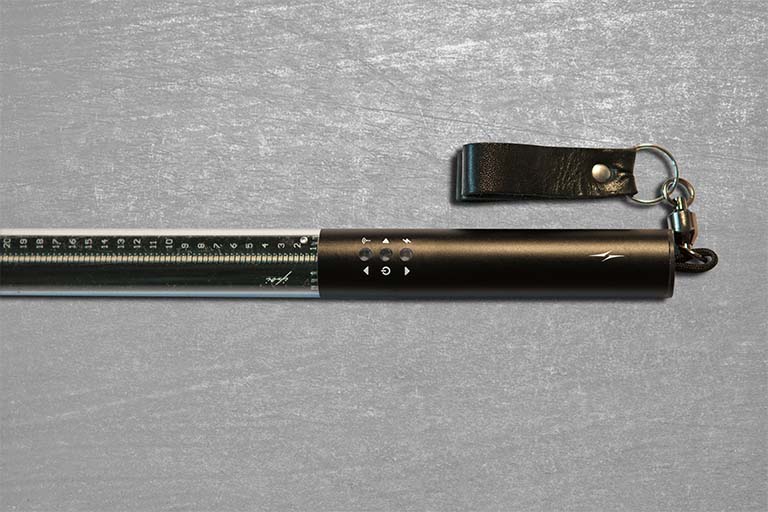


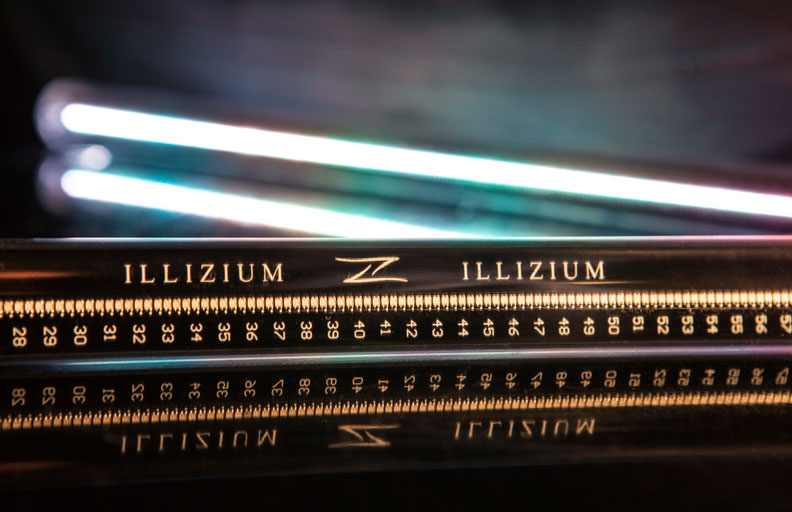
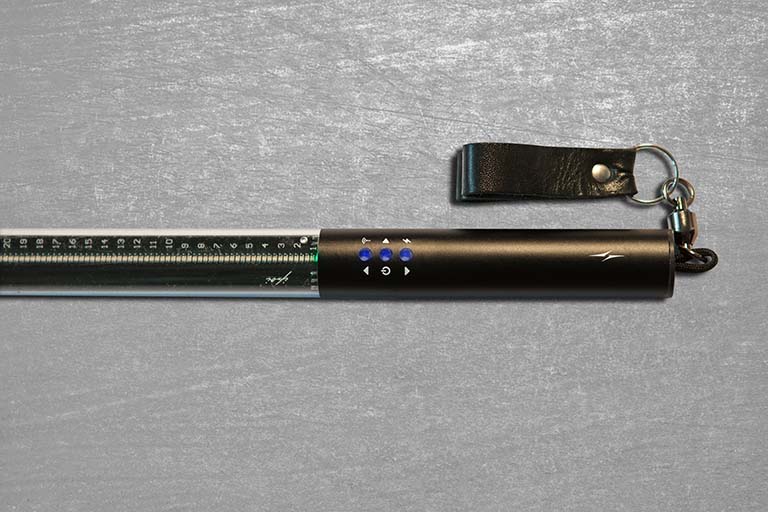
Ipoi is very convenient and easy to use. All possible operations are set by three buttons
Rules of work with props
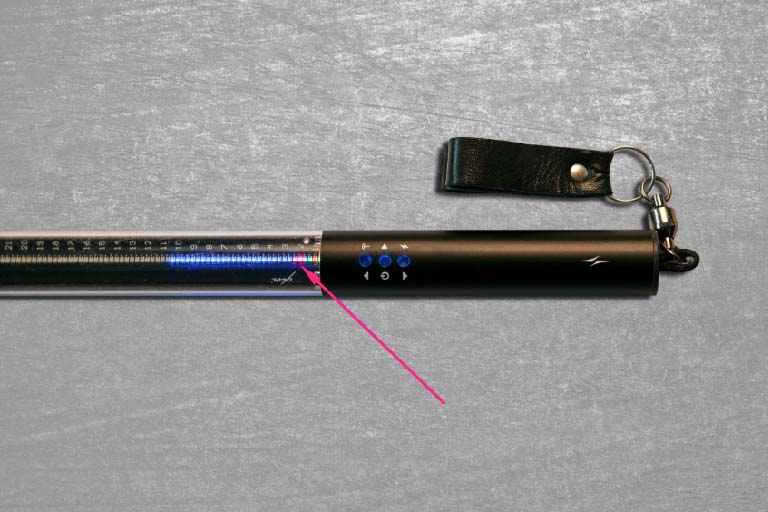
Subroutine Selection Mode
In this mode, you select the routines using the up ▲ and down ▼ buttons. IMPORTANT, only in this mode do you connect the poi to the PC. The red dot in front of the numbers indicates the recorded routines
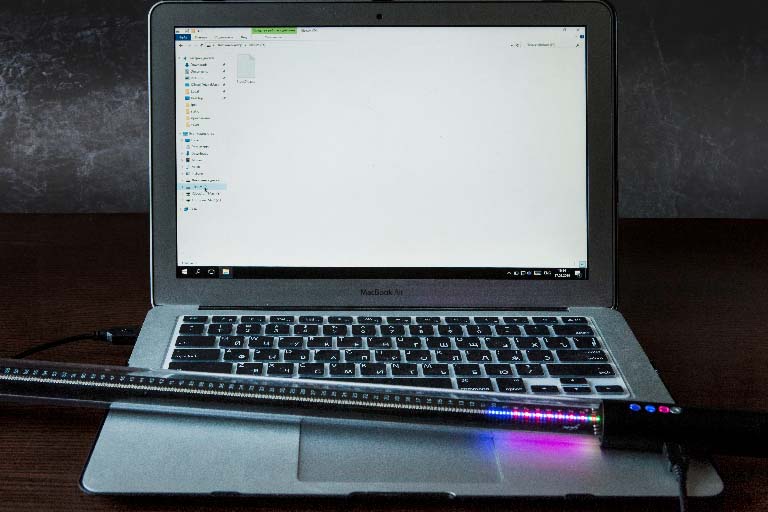
Subroutine Selection Mode
Poi must be turned ON before you connect them to your PC or laptop
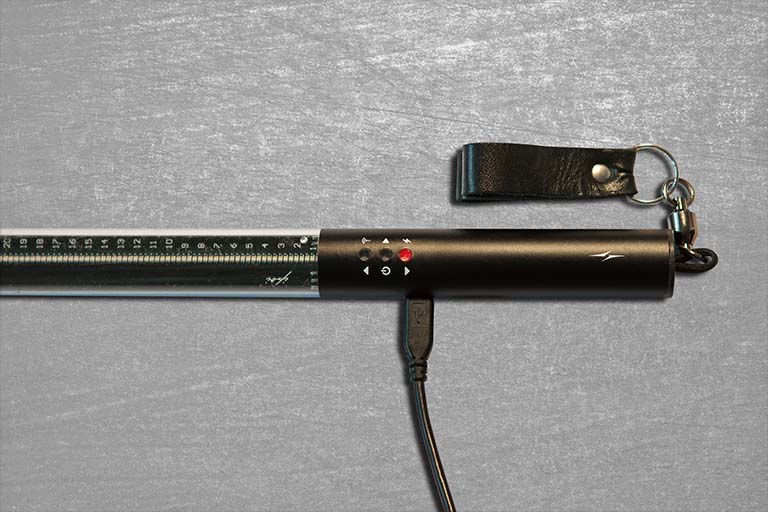
Charging mode
Poi should be turned OFF while charging. After turning on the network, one button lights up in red, if poi are charged, the button does not light up. But! We recommend that you check the charge after the button goes out. See the next slide
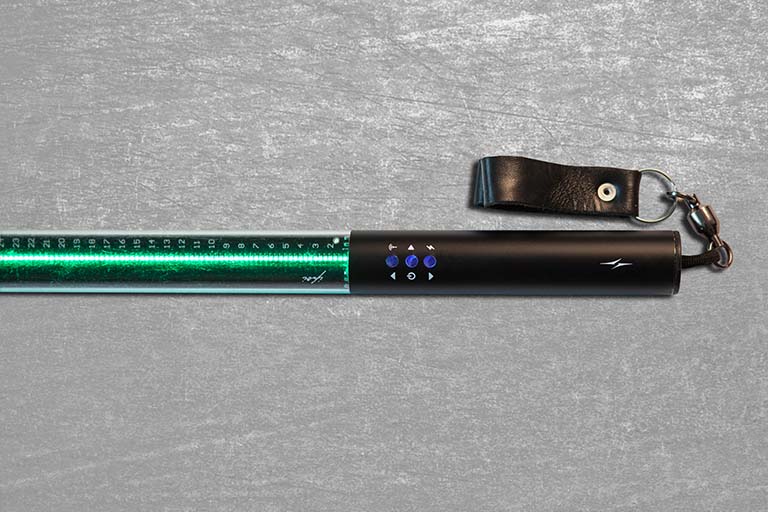
Battery Level
In order to check the charge level, it is necessary to hold down the button ▼ for about one second in the subprogram selection mode, and the green light of the diodes will indicate the degree of charge. You also see the charge immediately after turning on the pixel poi
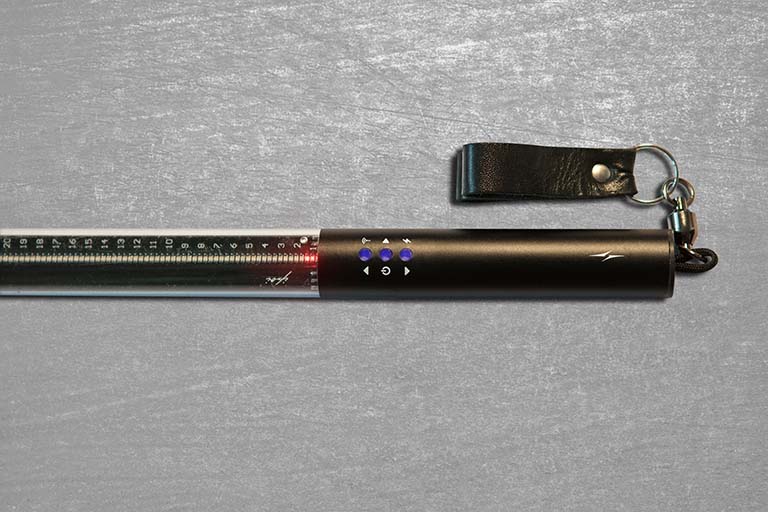
Critical Rank
To conserve battery power (40% of battery charge or less), poi switch to economy mode. In this mode, the white color shifts spectrally to a less energy-consuming region. If only a few diodes are lit in red, we recommend recharging it for at least 10 minutes from the network or power bank
Standby time
In this mode, you can press any button to start the subroutine. To exit this mode, after selecting a subprogram, hold the center button for one second until a green light appears
Operating mode
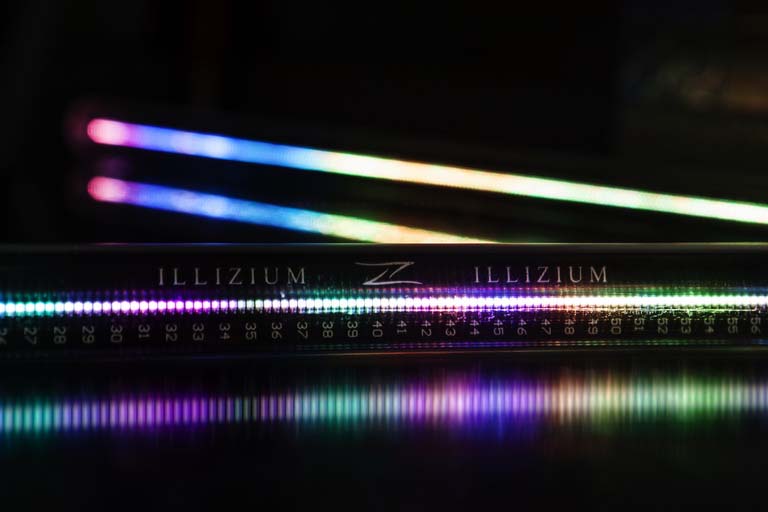
In standby mode, quickly press any button and instantly go to the props operation mode. Everything is simple
Radio Sync
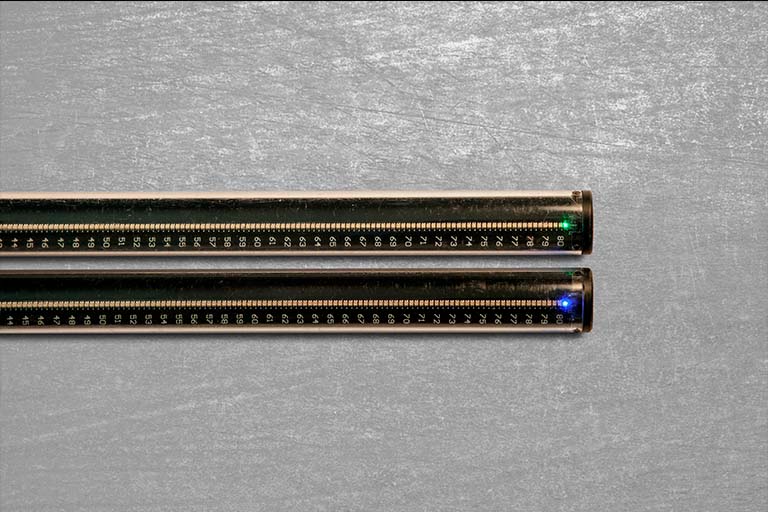
The radio synchronization mode is based on the principle of slave & master. The blue diode is the master belt and controls everything that is in slave mode - the green diode. By default, all poi are in slave mode. Holding for about 1 s the button up ▲ we put the sing in control mode (master)
Radio Sync
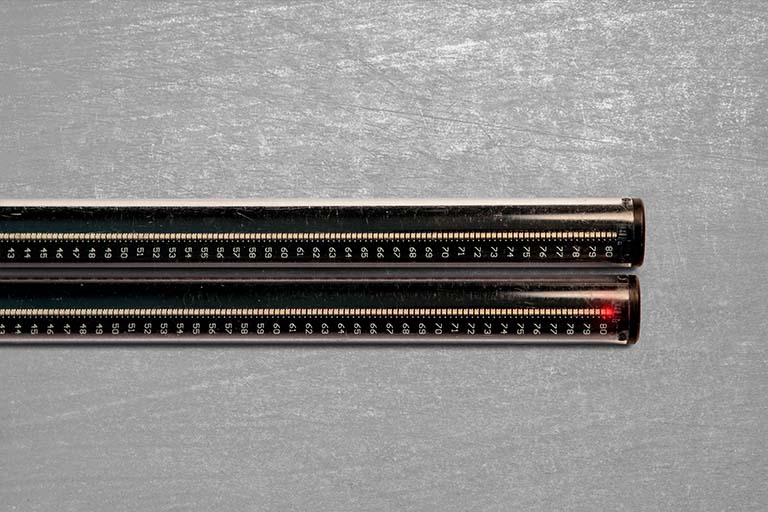
If the extreme poi diode blinks red - this means that there is no transmitter in the radius of the signal reception, that is, the master poi. This means that either the master poi is far away, or you did not choose the master sing
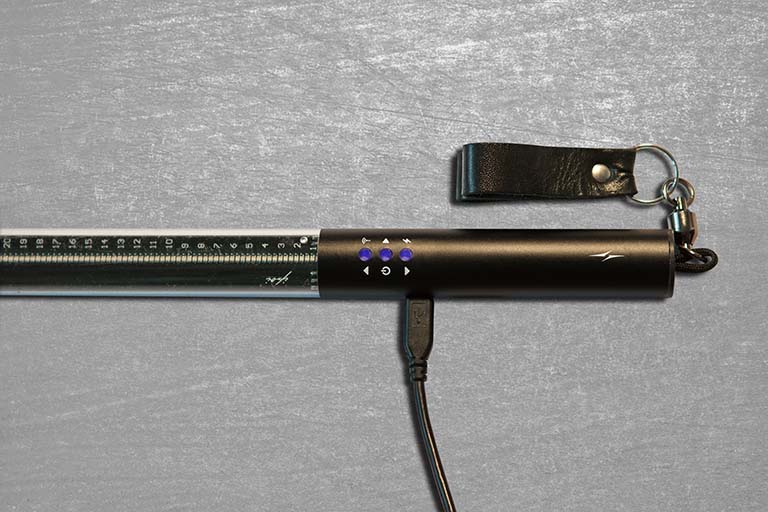
Firmware mode
In this mode, you can reflash poi. Several times a year we update the firmware. In this mode, you can interrogate it yourself using the video in the same article
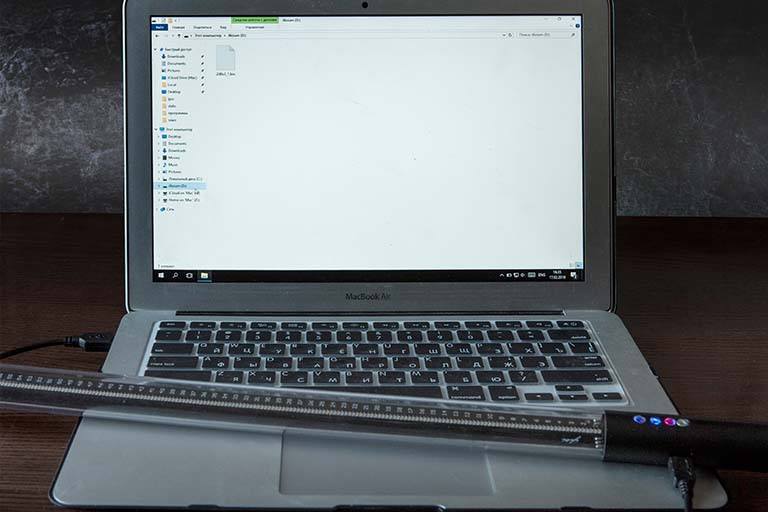
Firmware mode
You can enter the firmware mode SIMULTANEOUSLY while holding the center button and the down button ▼. Pre-connecting the sing to the PC
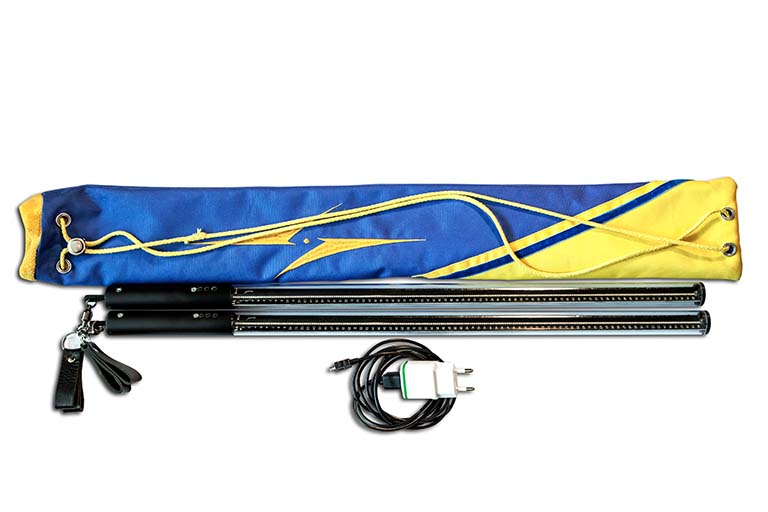
Package Contents